Post · 3 min read · 31 October 2026 · Irfan
How to add a TV guide (EPG) to an IPTV playlist
Channels but no TV guide? How EPG works for M3U and Xtream playlists, where to add an XMLTV link in Bigplay, and what to do when listings are missing.
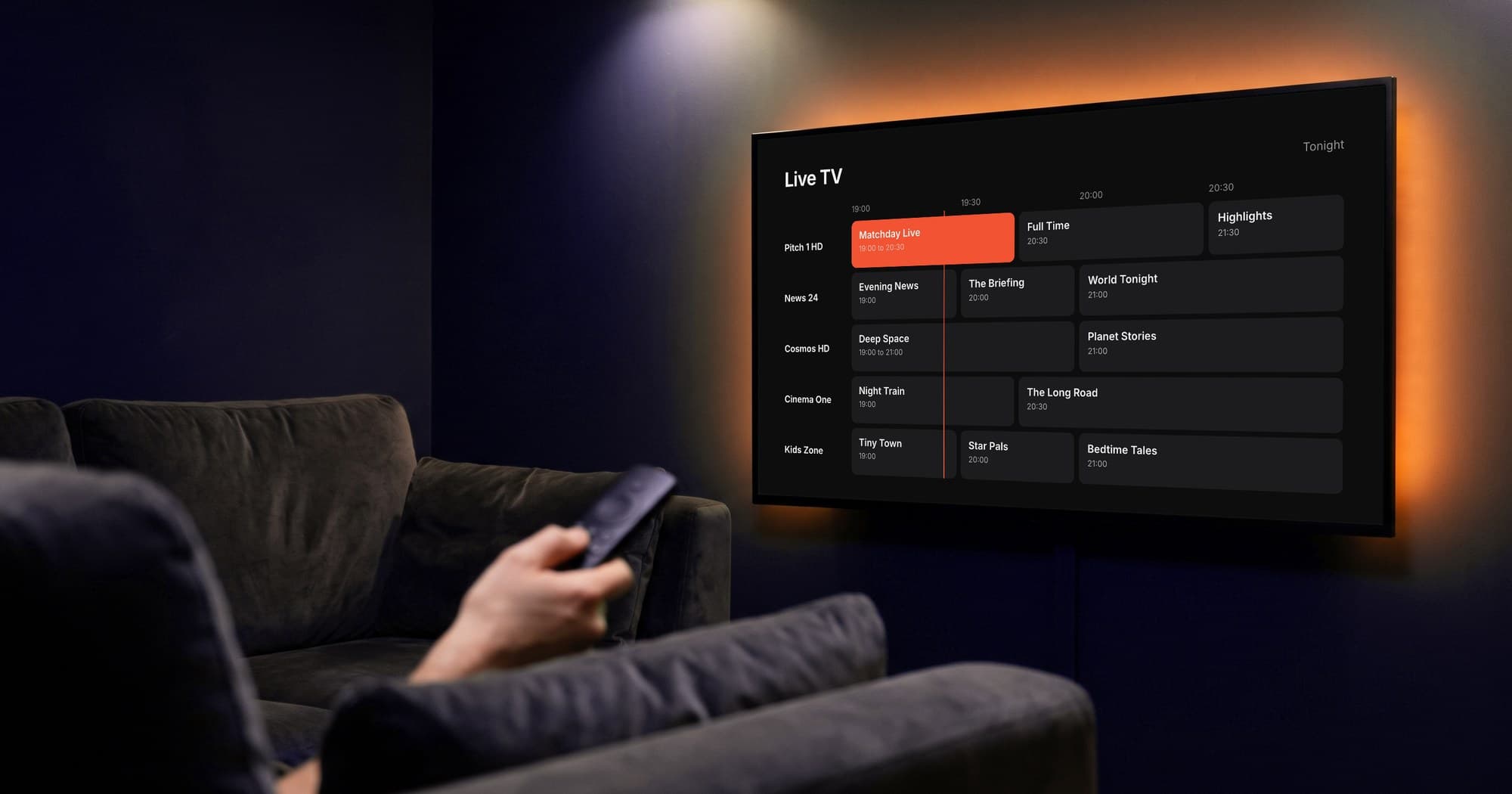
Your channels work, but the guide is empty or says there's no programme data. Usually that means the guide isn't connected to your playlist yet. Here's how it works, and how to fix it.
What is an EPG?
EPG stands for electronic programme guide. It's the schedule that shows what's on now and next. IPTV guides usually come as an XMLTV file, a separate link that holds listings for each channel. It doesn't come from the player: your provider supplies it. Bigplay is a player. It doesn't include any channels or content.
First, which playlist do you have?
Xtream Codes
You don't need to do anything. The guide comes with your login, and Bigplay finds it for you. There's no guide field to fill in. If it's empty, skip to the section on missing listings below.
M3U link
Bigplay looks for a guide link inside the playlist first. Many providers include one, so it often works by itself. If not, and your provider gave you a separate guide link, add it as below.
How to add a guide link
On iPhone and iPad
When adding your M3U link, tap Continue.
Tap TV guide, which is set to From the playlist.
Choose Another link, paste it into TV guide link and tap Done.
On Apple TV
Edit the playlist in Settings, then Playlists, and fill in Guide address. It appears for M3U playlists only.
On Android and Android TV
Paste the link into EPG URL (Optional) on the M3U URL form. On Android TV, choose Or enter manually, because the phone page doesn't include this field.
How often the guide updates
On iPhone and iPad, open the You tab, then Settings, and choose a TV guide refresh from every 3 hours to once a day. The guide also refreshes whenever you open Live TV.
On Android, the guide refreshes every 6 hours. To do it now, open the You tab, then Settings, then EPG & Guide, and choose Refresh guide data.
The Update or Auto-Refresh setting on your playlist is different. It controls the channel list, not the guide.
When listings are still missing
"This playlist has no programme guide": Bigplay found no guide for this playlist. Ask your provider for an XMLTV link.
"No guide for this channel": the guide works, but has no listings for that channel. Guides match channels by their ID, and your provider controls both, so ask them to check it.
"Guide didn't refresh · showing what's saved": the update failed, so Bigplay is keeping what it has. Try again later. If it keeps happening, your provider's guide may be down.
The times are off: your provider sets the times in the guide file, so ask them about it.
Catch-up works the same way
Catch-up depends on your provider too. It works on channels where they keep programmes.
Still stuck? The help page has more, or see M3U or Xtream Codes: what's the difference? If your provider offers Xtream, switching is often the simplest fix.
More from the blog
Post · 6 min read
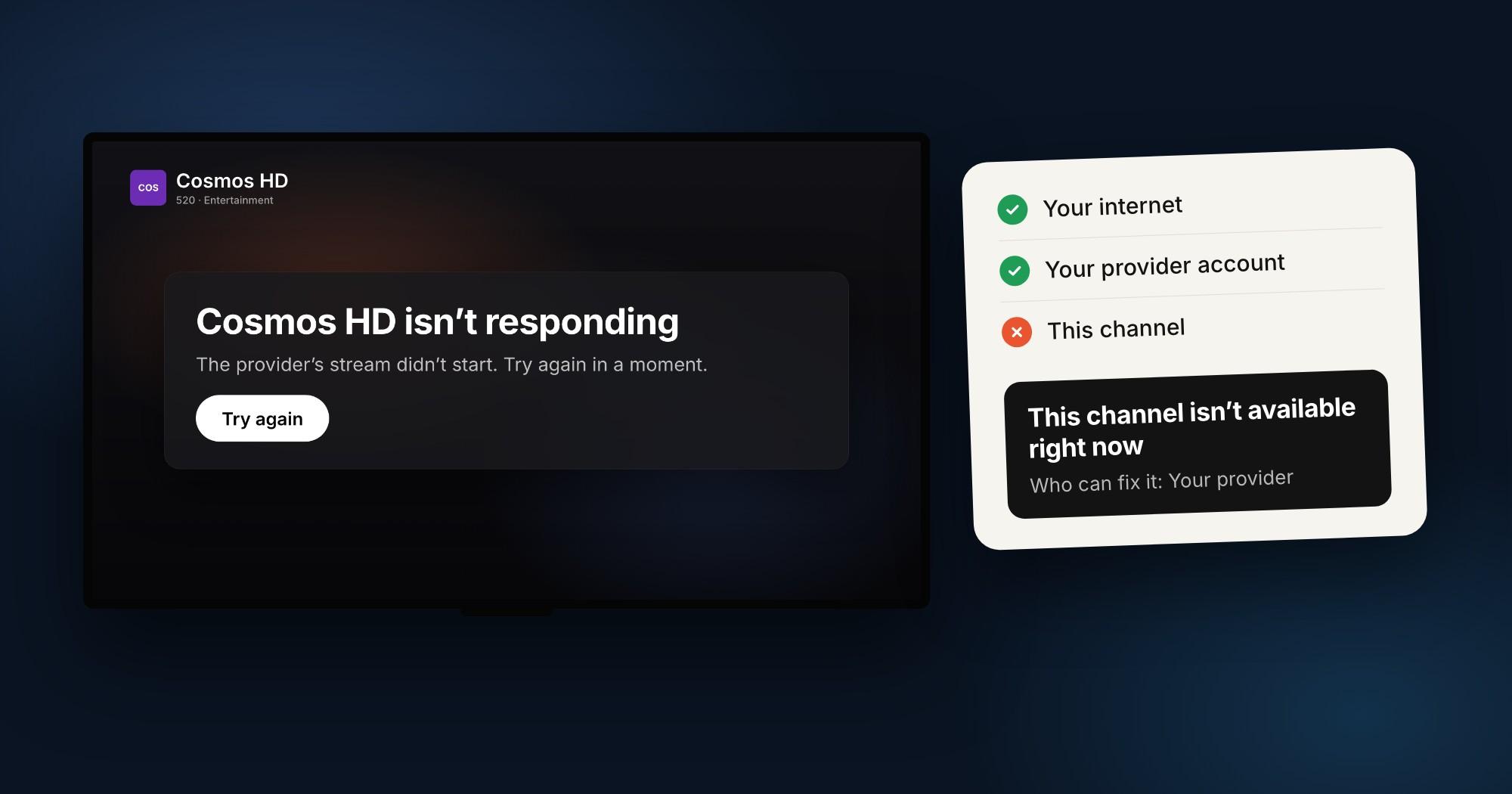
IPTV channel won't play? What each message means
What each IPTV playback message means in Bigplay, from isn't responding to the stream ended early, and the checks and settings that get a channel playing.
24 November 2026
Post · 5 min read
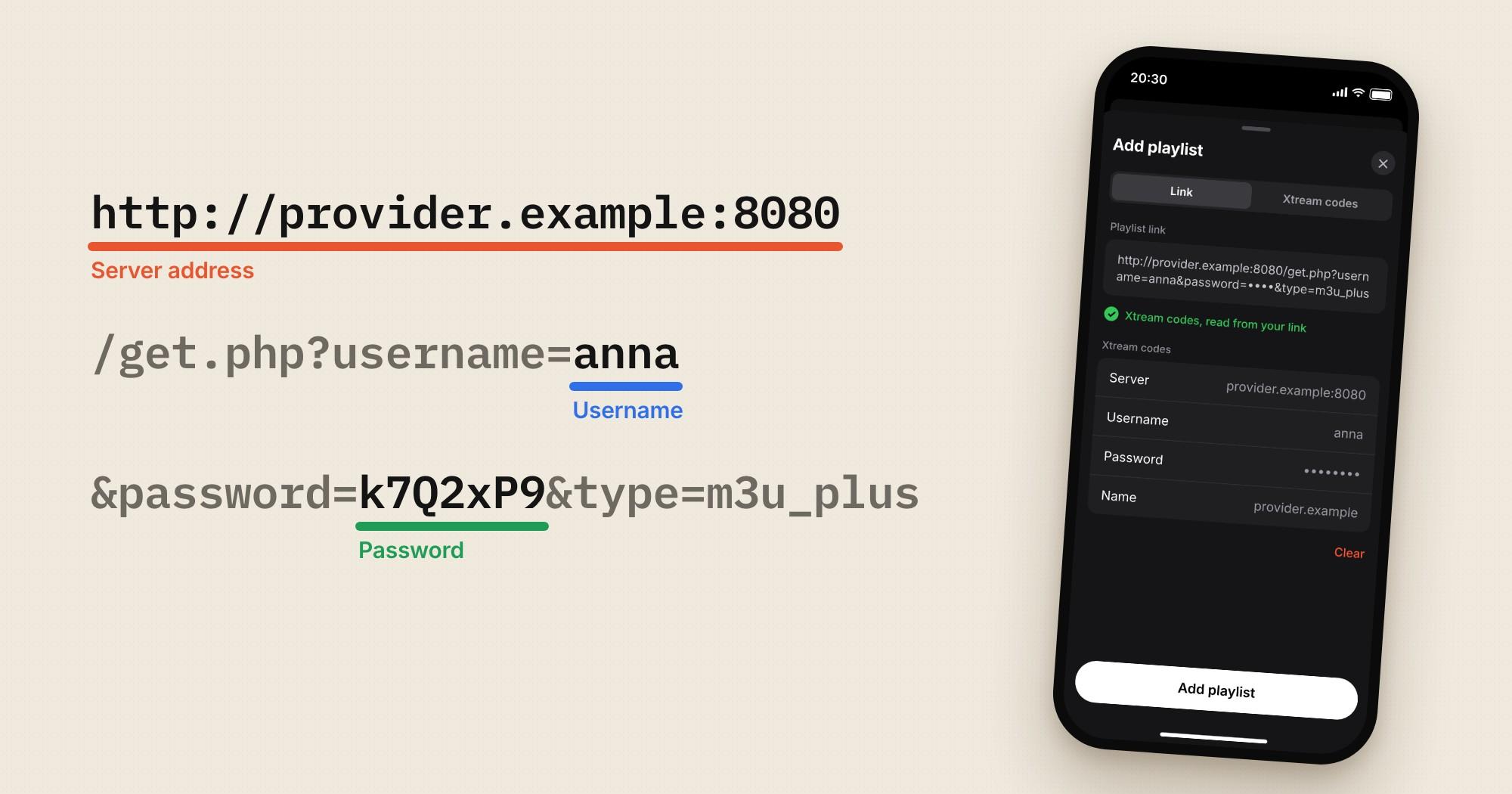
Find your Xtream Codes server, username and password
Your IPTV provider sent a server, username and password, or one long link. Where to find each part, how to read them from an M3U link, and what to type.
24 November 2026
Post · 5 min read
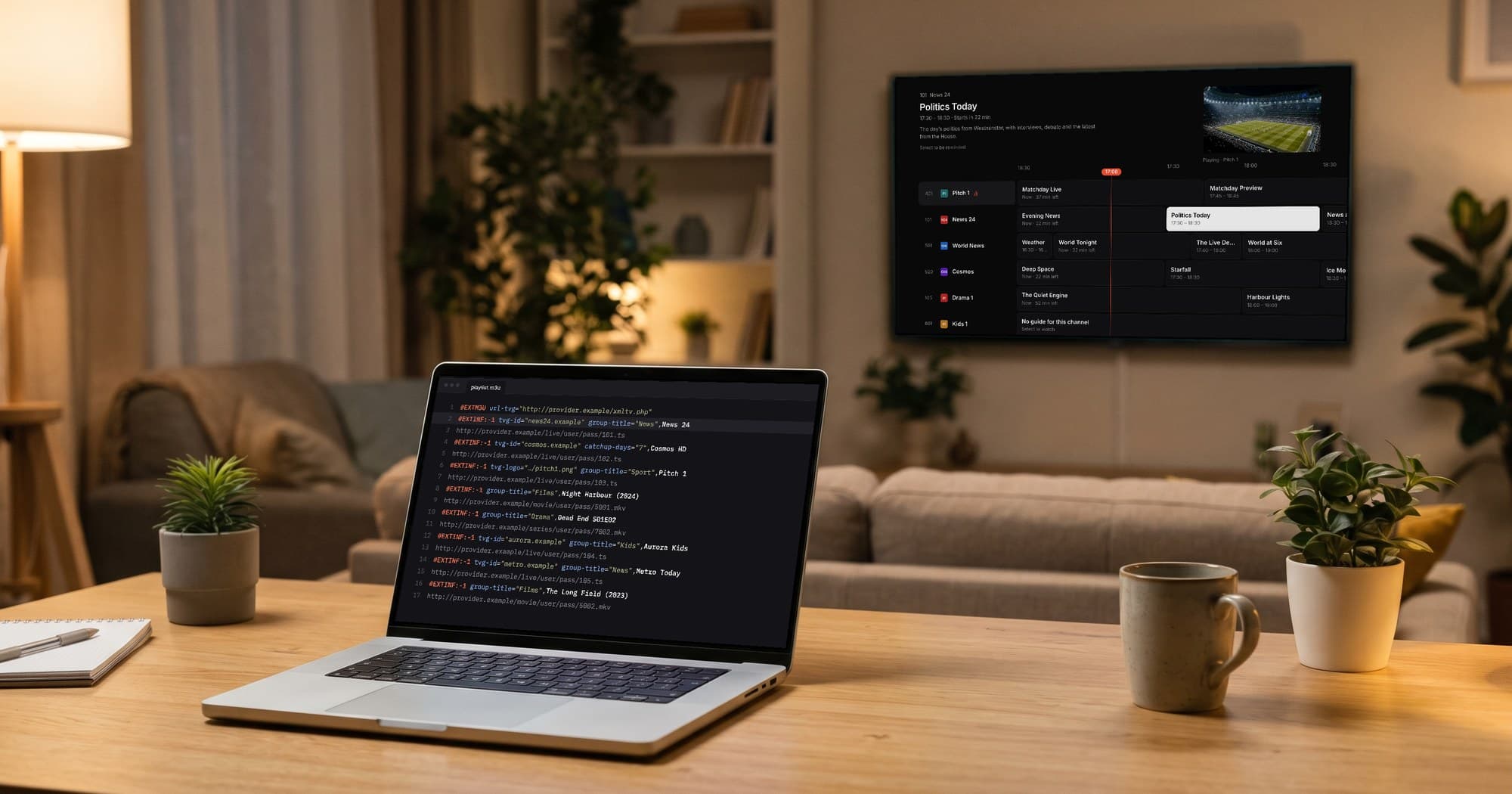
M3U file format: #EXTINF and tvg tags explained
Open an M3U playlist and it's mostly #EXTINF lines. Here's what each tag means, from tvg-id and tvg-logo to group-title, and how Bigplay uses them.
5 November 2026
Go on. Press play.