Post · 2 min read · 31 October 2026 · Irfan
M3U or Xtream Codes: what's the difference?
M3U and Xtream Codes both load the same IPTV channels. Here's how they differ on setup, the TV guide and updates, and which one to use if you have both.
Your IPTV provider offers an M3U link and an Xtream Codes login, and you're not sure which to use. They're two ways of reaching the same channels. If you have both, use Xtream Codes.
What is an M3U link?
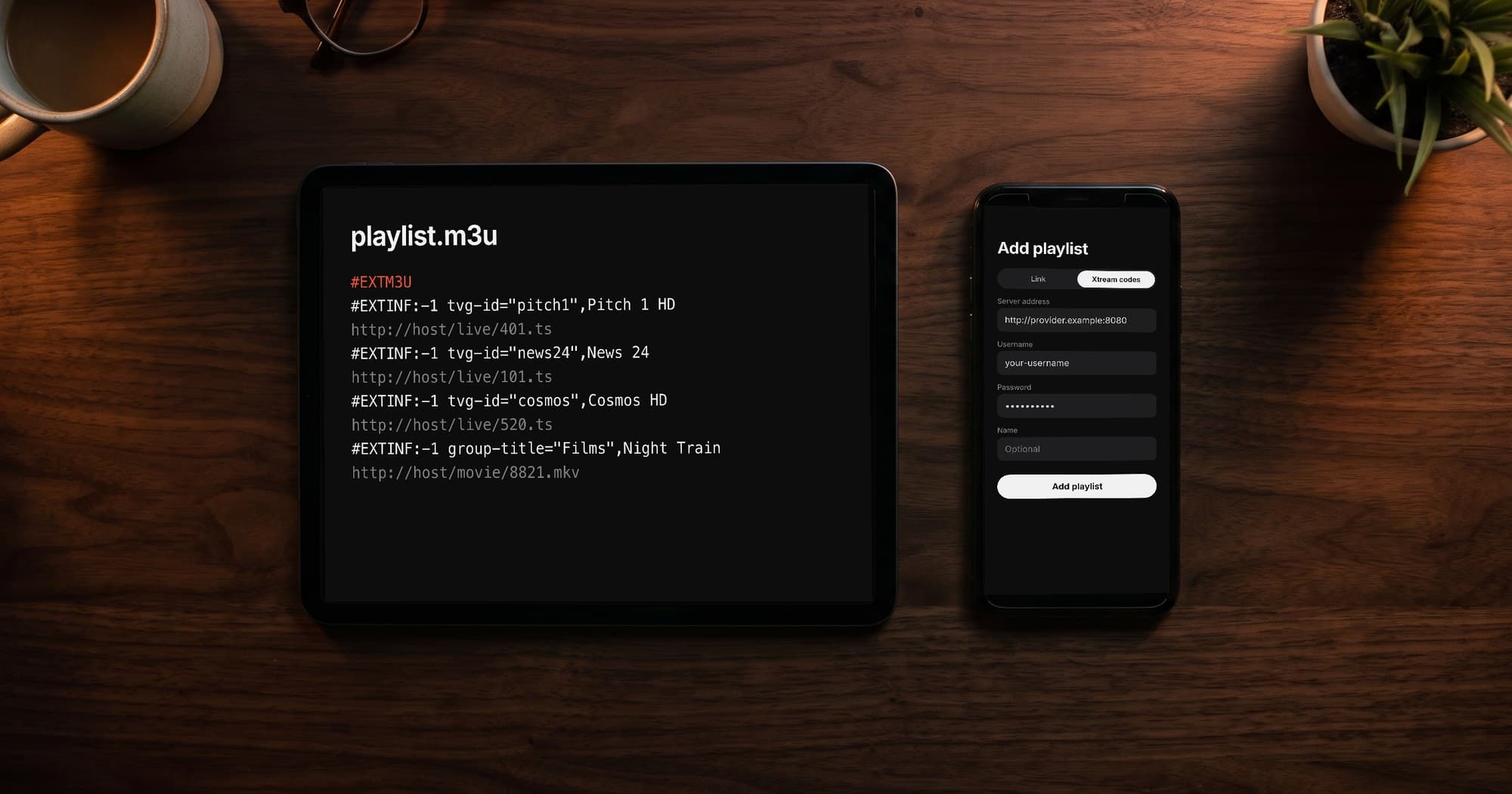
M3U is a playlist format: a text file that lists every channel, film and series with its name, group and address. Your provider gives you a web link to that file, often ending in .m3u or m3u8, or containing get.php. Your player downloads the file and reads it.
What is Xtream Codes?
Xtream Codes is a login. You enter three things: a server address, a username and a password. Instead of downloading one big file, your player asks the provider's server for what it needs.
The differences that matter
The TV guide
This is the biggest one. With Xtream Codes, the programme guide comes with the login, so there's nothing else to set up. With M3U, the guide has to be named inside the file, or added as a separate link. How to add a TV guide to an IPTV playlist explains how.
Setup
An M3U link is one long line, which is easy to paste on a phone and painful to type on a TV. An Xtream login is three short fields. On Apple TV and Android TV, Bigplay lets you enter either one on your phone, so this matters less than it used to.
Updates
An M3U playlist is a copy of the list from when it was last downloaded, so your player has to fetch it again to see changes. In Bigplay, you choose how often. With Xtream Codes, the list comes from the provider's server.
Video quality
No difference. Both lead to the same streams from the same provider, so neither makes a channel sharper or steadier.
Which should you use?
You have both: use Xtream Codes, for the guide.
You only have an M3U link: that's fine. Add it, then check whether the guide appears.
Your link contains
username=andpassword=: it's probably an Xtream login in disguise. Bigplay spots this on iPhone and iPad and treats it as Xtream for you.
What about Stalker portals?
A Stalker portal is a third type, built for MAG set-top boxes. It uses a portal address and a MAC address instead of a password. In Bigplay it's in beta on Apple devices and isn't available on Android. If your provider offers M3U or Xtream too, use one of those.
Keep your link private
An M3U link often contains your username and password, so treat it like a password. Anyone who has it can use your account, and most plans only allow one or two connections at a time.
Where to go next
Bigplay is an IPTV player that works with both. Bigplay is a player. It doesn't include any channels or content. Add yours on iPhone and iPad, Apple TV or Android and Android TV.
More from the blog
Post · 6 min read
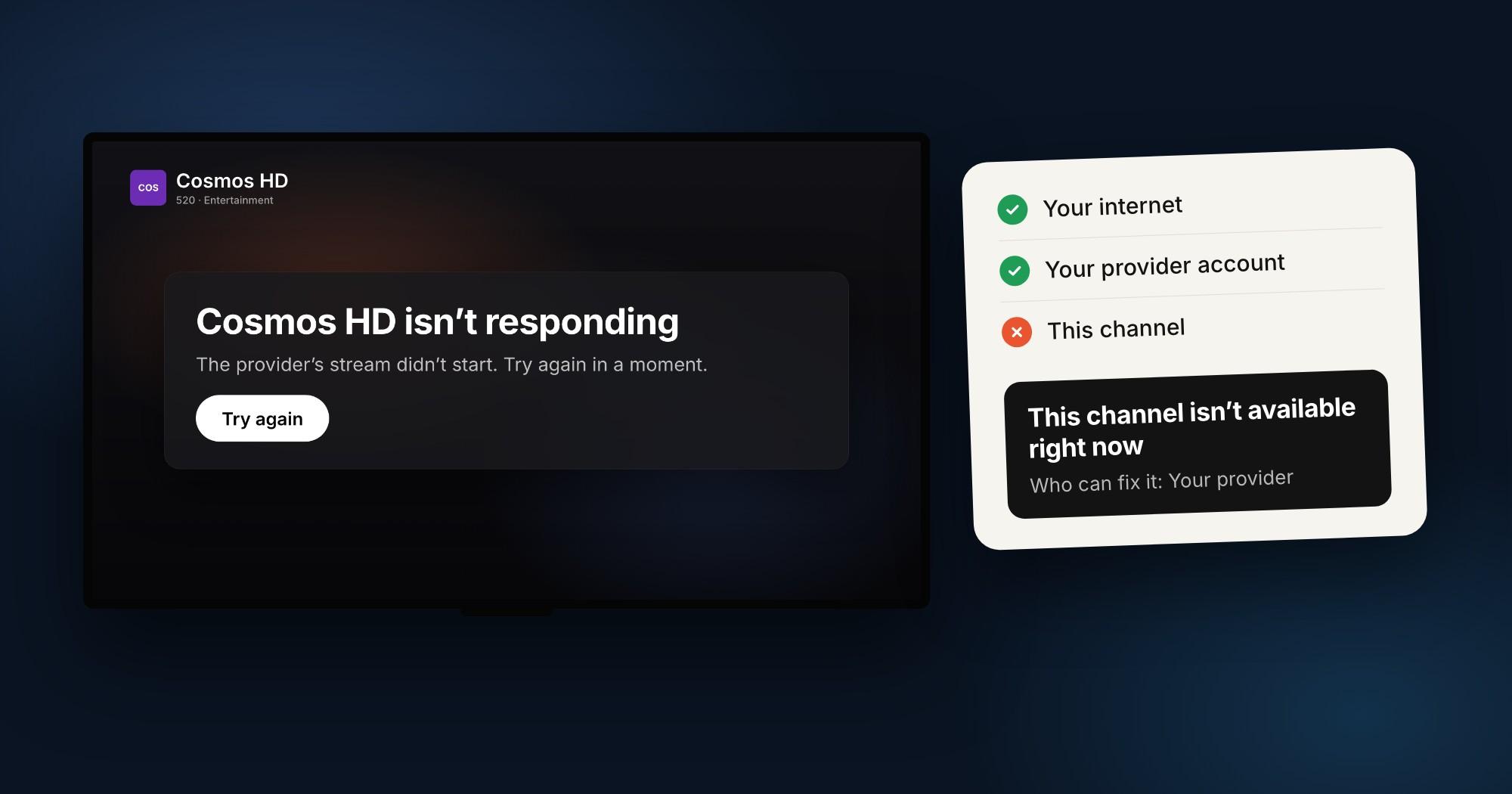
IPTV channel won't play? What each message means
What each IPTV playback message means in Bigplay, from isn't responding to the stream ended early, and the checks and settings that get a channel playing.
24 November 2026
Post · 5 min read
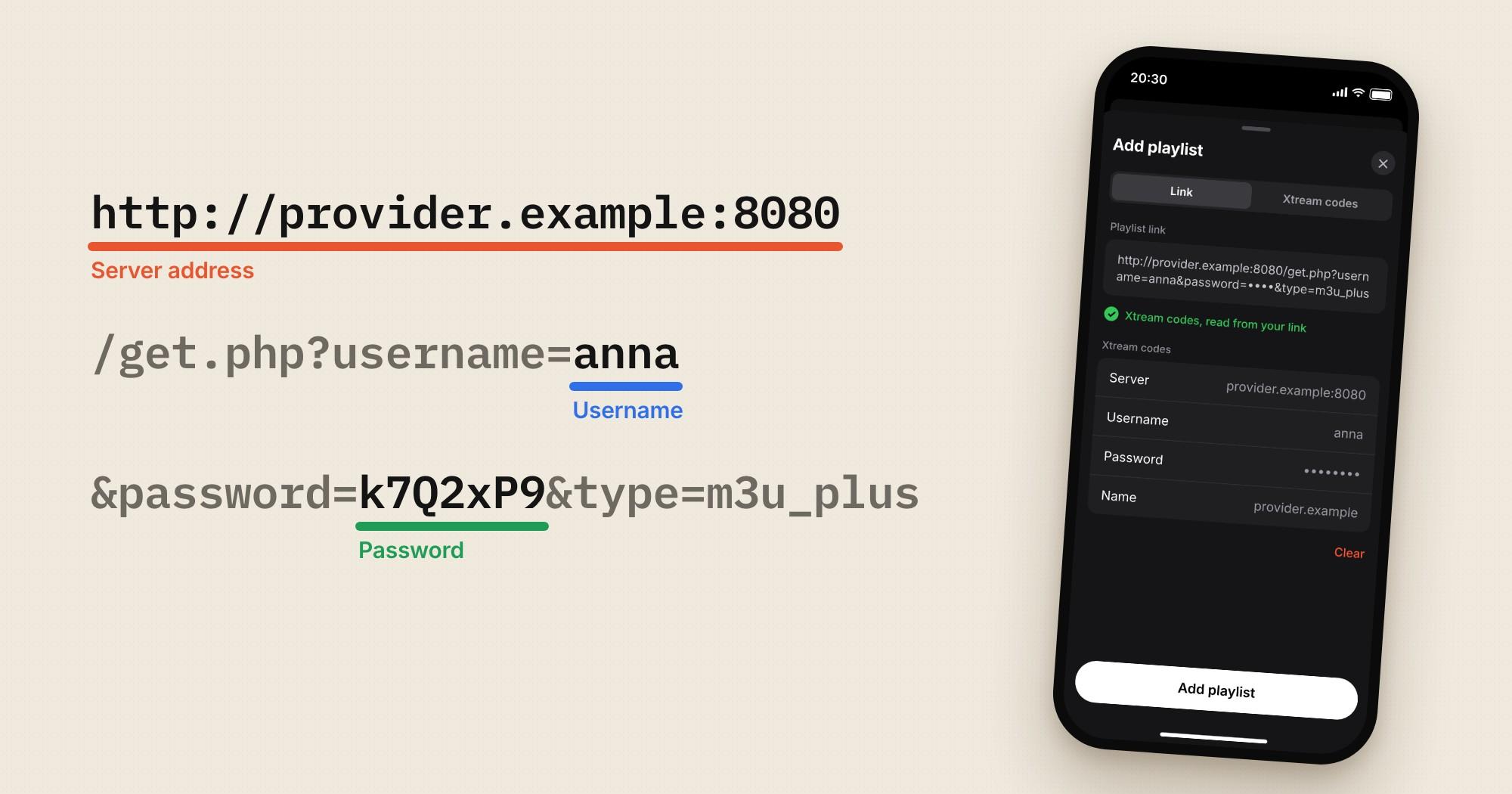
Find your Xtream Codes server, username and password
Your IPTV provider sent a server, username and password, or one long link. Where to find each part, how to read them from an M3U link, and what to type.
24 November 2026
Post · 5 min read
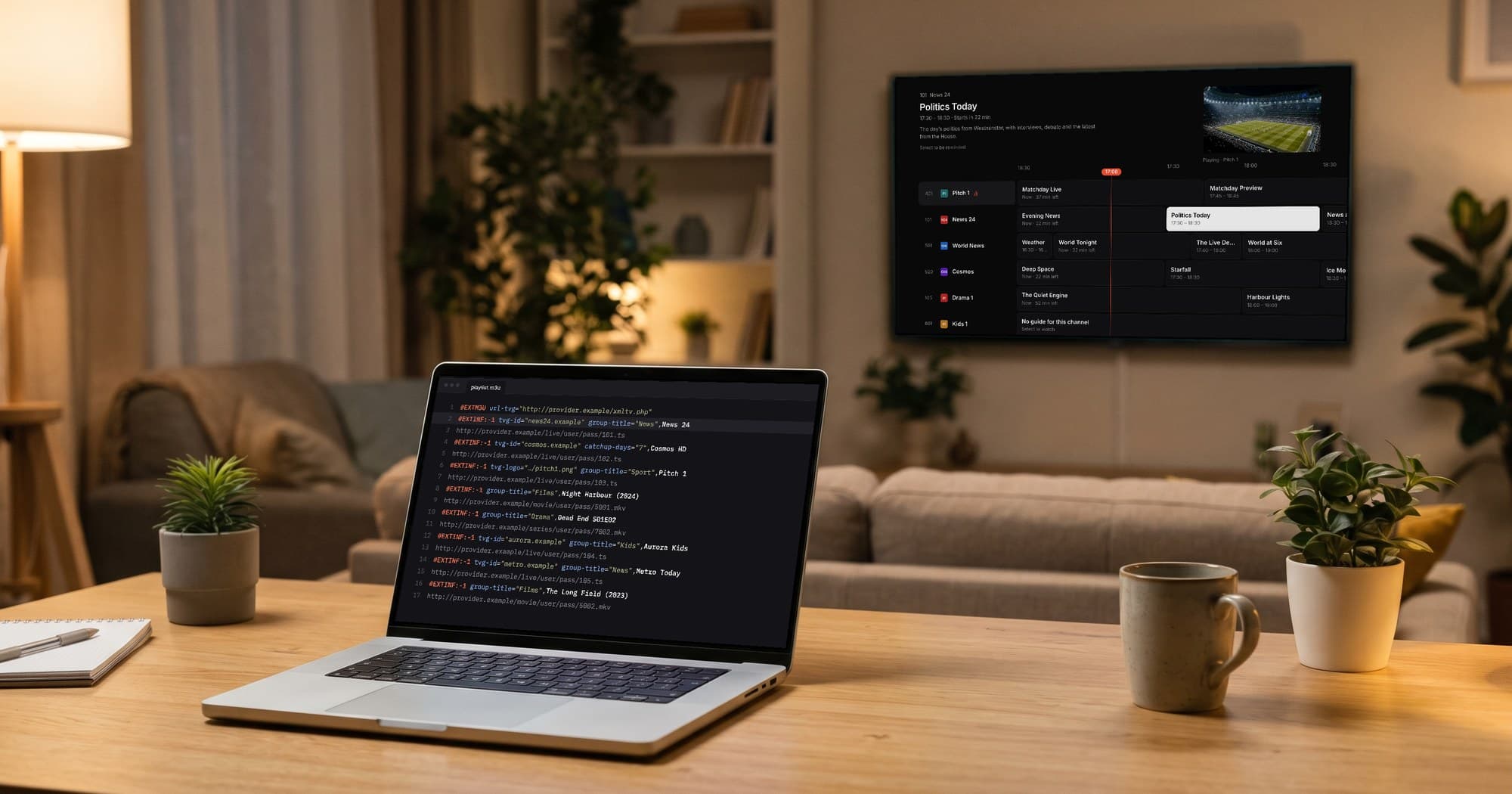
M3U file format: #EXTINF and tvg tags explained
Open an M3U playlist and it's mostly #EXTINF lines. Here's what each tag means, from tvg-id and tvg-logo to group-title, and how Bigplay uses them.
5 November 2026
Go on. Press play.