Post · 6 min read · 24 November 2026 · Irfan
IPTV channel won't play? What each message means
What each IPTV playback message means in Bigplay, from isn't responding to the stream ended early, and the checks and settings that get a channel playing.
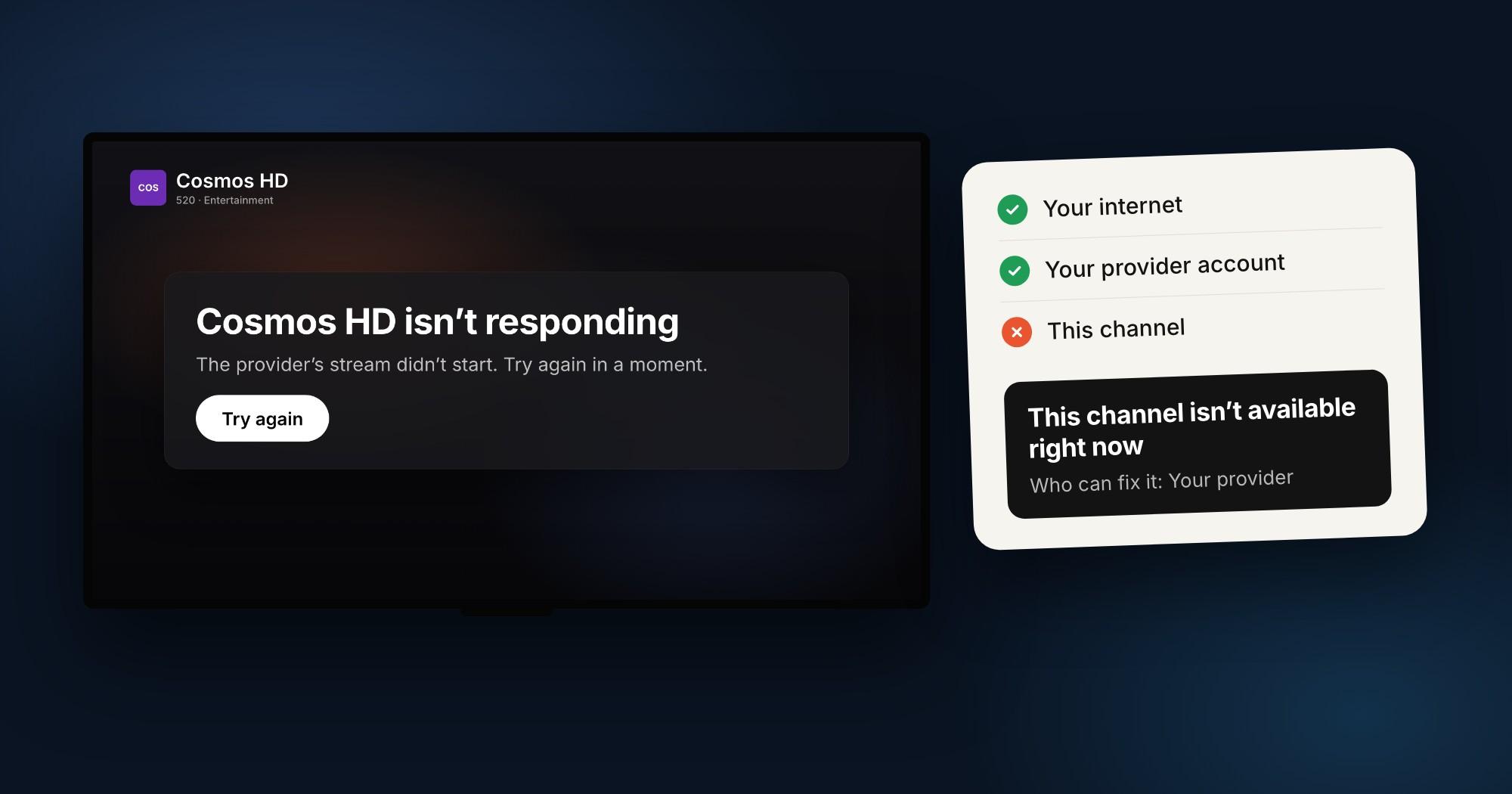
The playlist loaded, the guide is full, and then a channel just won't play. Most of the time the problem is at your provider's end, but the message on screen tells you which part broke and what to try. Here's what each one means.
First, one channel or everything?
One channel fails, others play: that channel's stream is down or overloaded at your provider. Try another version of it, or come back later.
Every channel fails: it's your account (expired, switched off, or all your connections in use) or your provider's server. Skip to "Let Bigplay check it" below.
Live TV plays but films don't, or the other way round: your provider serves them from different places, and one of them is having trouble.
Live TV messages on iPhone and iPad
"[Channel] isn't responding" with "It stopped sending a picture." The channel played, then your provider stopped sending video for more than a few seconds. With "It didn't start sending a picture.", the stream never started at all. Tap Try again. If the channel has other versions in your playlist (HD, FHD, a backup), Bigplay offers the next one, and by default switches to it for you and says so: "Switched to ...". You can turn that off with "Switch if a version stops" in the channel's versions.
"The stream ended early". The stream was cut off from the server's side. The usual cause is a plan that allows one screen while another device is watching. Stop playing on your other devices, then try again.
"Buffering · slow network". Video is arriving more slowly than it plays. If it keeps happening, see the settings further down.
"You're offline". Your device has lost its internet connection. The guide stays on screen from the copy saved on your device.
"Can't reach your provider". Your provider's server didn't answer. Wait a minute and try again.
"Your playlist came back empty". Your provider sent a list with no channels in it. That's usually a lapsed subscription, or a line already in use somewhere else. Check with your provider, then choose Reload playlist.
"Free viewing is up for now". You've used the free Live TV time for now. Watch a short ad to keep going, or go Pro.
On Apple TV, a channel that won't start says "[Channel] isn't responding" with "The provider's stream didn't start. Try again in a moment." Select its tile to try again, or hold Select for another version of the channel. "The stream ended early" means the same as on iPhone.
Film and episode messages on iPhone, iPad and Apple TV
"This won't play" or "This copy won't play" with "... stopped responding." Your provider's file didn't load. If your playlist has the same film more than once, Bigplay offers the next copy, which often works when the first doesn't.
"The connection dropped. Check it and try again.". Your own internet dropped. On iPhone and iPad, playback picks up by itself when the connection comes back.
"Your playlist has expired" or "Your playlist is turned off". Your provider reports the account as expired or switched off. Renew or ask them to turn it back on, then try again.
"Slow connection". A short note while a film catches up, sometimes with your current speed.
Messages on Android and Android TV
On Android, a film or episode that fails shows "Playback Error" with one of these, plus a suggestion and Retry where retrying can help:
"Network error": the connection to your provider failed or timed out. Check your internet, then retry.
"Failed to load media": the server refused the file or couldn't find it. The link may have expired, or your account may be at its limit.
"Unsupported format": the file uses a format the device can't decode. Try another copy if your playlist has one.
"Playback failed": playback was interrupted. Restart the stream.
"Audio error": try a different audio track.
In Live TV on an Android phone or tablet, a channel that stops shows "The stream stopped", with Try again and Back to the last channel. "You're offline", "Can't reach your provider" and "Your playlist came back empty" mean the same as on Apple devices.
Let Bigplay check it
On iPhone, iPad and Apple TV, Report a problem doesn't just send a message. It runs three checks first: your internet connection, your provider account, and the channel itself. Then it tells you what it found and who can fix it.
Your provider subscription has expired, has disabled this account or no longer accepts this login: only your provider can fix these.
All your connections are in use: Bigplay shows how many your plan allows and how many are open, on another device or in another app.
Your provider's server isn't responding, or this channel isn't available right now: the server sent an error page instead of video, or nothing at all.
The stream keeps stalling, or your provider sends this channel in a low resolution: the picture is limited at the source.
This looks like a Bigplay problem: the stream and your account check out, so send it to us and we'll look.
You'll find it in the player's menu and on the error screen on iPhone and iPad. On Apple TV, open the player's More menu. On iPhone and iPad you can also send the results to your provider, without your login.
Two settings that help
On iPhone, iPad and Apple TV, Bigplay's Settings has two playback options:
Buffer sets how far ahead Bigplay loads. A higher buffer means fewer pauses on a weak connection, but channels take a moment longer to start.
Hardware decoding is on by default. Turn it off only if a channel stutters or shows green or broken blocks.
On iPhone and iPad you can change both from inside the player too, and the stream restarts with the new setting.
What only your provider can fix
Bigplay is a player. It doesn't include any channels or content, so it can't repair a stream that your provider's server isn't sending. If one channel keeps failing everywhere, or a whole category goes dark, it's on their side. Most providers can tell you whether a server is down or a channel has moved.
If the playlist itself won't load, read IPTV playlist won't load? What each error means. If the guide is missing, see How to add a TV guide (EPG) to an IPTV playlist. And if your provider offers an Xtream login, here's where to find it: it's often steadier than an M3U link. Bigplay plays your IPTV playlist on iPhone, iPad, Apple TV and Android.
More from the blog
Post · 5 min read
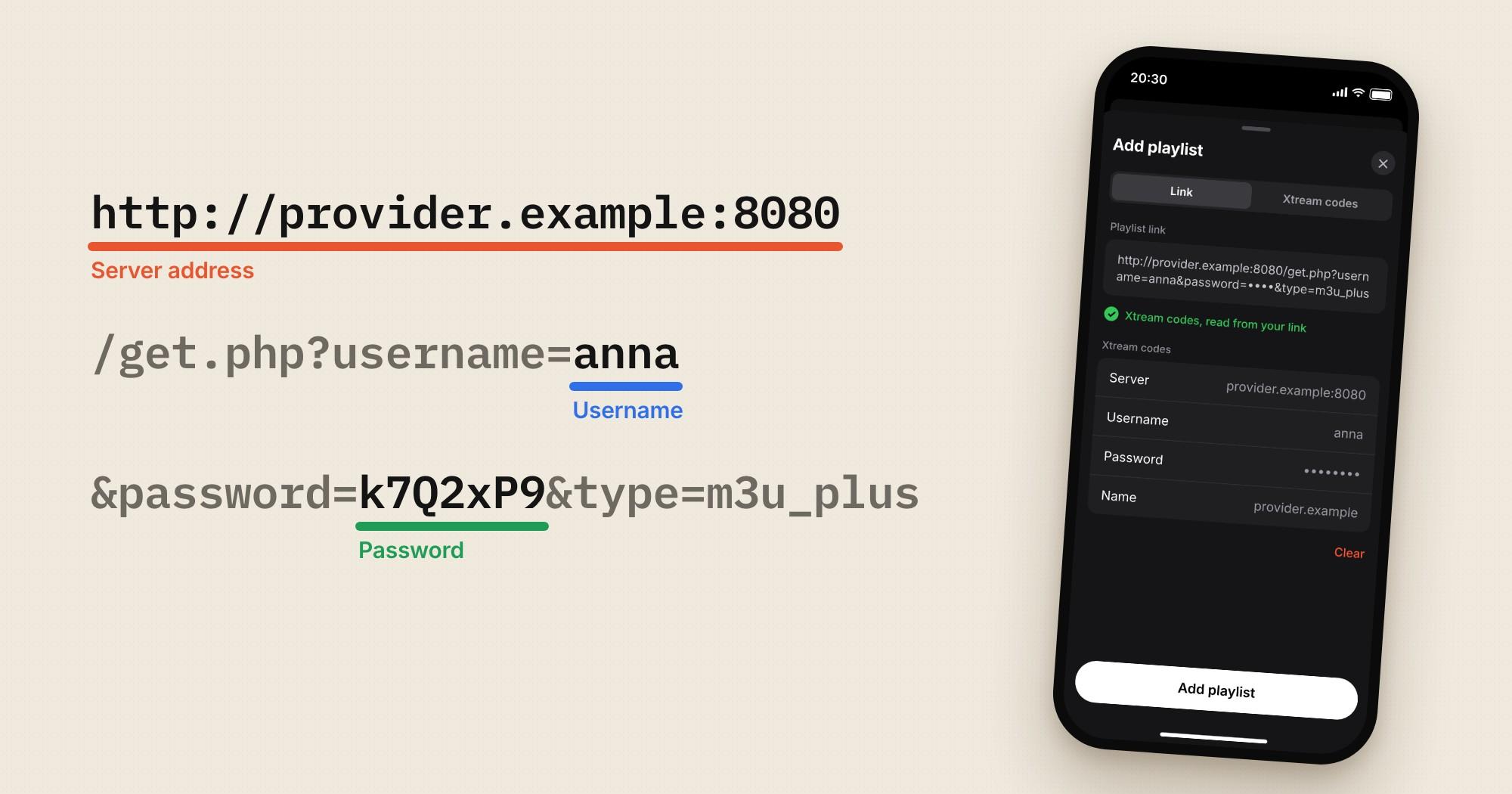
Find your Xtream Codes server, username and password
Your IPTV provider sent a server, username and password, or one long link. Where to find each part, how to read them from an M3U link, and what to type.
24 November 2026
Post · 5 min read
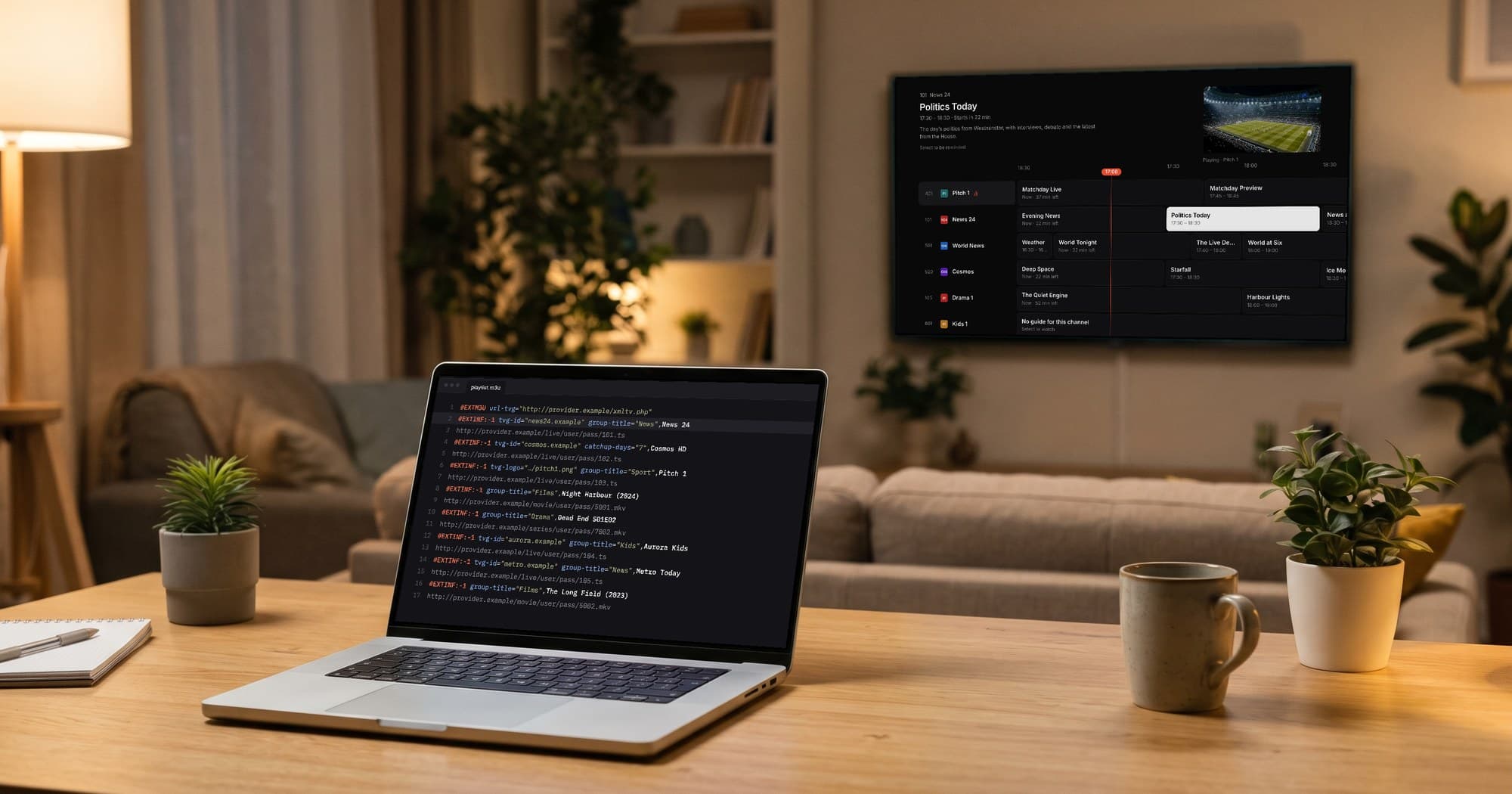
M3U file format: #EXTINF and tvg tags explained
Open an M3U playlist and it's mostly #EXTINF lines. Here's what each tag means, from tvg-id and tvg-logo to group-title, and how Bigplay uses them.
5 November 2026
Post · 3 min read
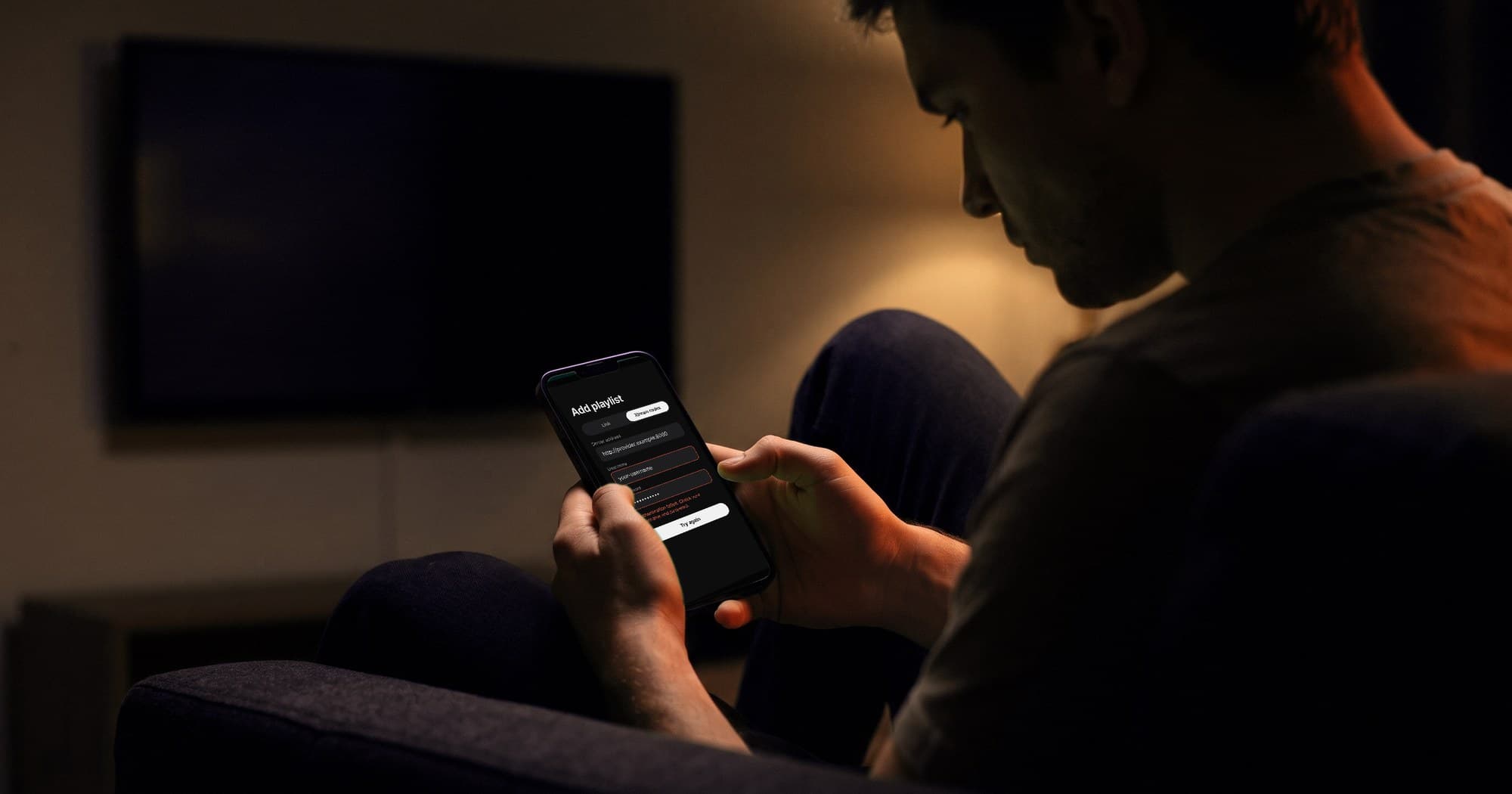
IPTV playlist won't load? What each error means
IPTV playlist won't load? What the common errors really mean, from wrong logins and expired accounts to connection limits, and what to do about each.
31 October 2026
Go on. Press play.