Post · 3 min read · 31 October 2026 · Irfan
IPTV playlist won't load? What each error means
IPTV playlist won't load? What the common errors really mean, from wrong logins and expired accounts to connection limits, and what to do about each.

You've added your playlist and it won't load. The message on screen usually tells you exactly where the problem is. Most of the time it's a typo or something on your provider's side, and you can sort it out in a minute or two.
These are the messages you'll see in Bigplay, the IPTV player for your own playlist. Bigplay is a player. It doesn't include any channels or content. Your channels come from your provider, so some fixes start with them.
Try these first
Check for typos, especially in the server address. It needs
http://at the start, and any port number at the end.Check whether the playlist works on another device.
Check your plan with your provider. It may have ended without warning.
Remove the playlist and add it again.
Login problems
"Authentication failed. Check your username and password."
Your provider didn't accept the login. On Android this reads "The server rejected this username or password." On Apple TV it reads "didn't accept that username and password." Check capital letters, and look for a space at the end if you pasted it. Then ask your provider to confirm the details.
"Your account has expired. Contact your provider."
Your plan has ended, so you need to renew it. On iPhone and iPad, you can tap Add anyway, and Bigplay picks it up the next time it checks after you renew.
"Your account has been disabled. Contact your provider."
Your provider has switched the account off. Only they can say why.
"Connection limit reached. Try again later."
Too many screens are using your account. Most plans allow one or two connections at a time. Stop watching on another device, wait a minute and try again.
Address problems
"That doesn't look like a playlist link."
Bigplay needs a link that starts with http. Copy it again from your provider's message, all of it. Long links are easy to cut short.
"Invalid server URL. Please check and try again."
On Android this appears as "Server not found. Check the URL." or "No IPTV server found at this URL." Check the address and port with your provider.
"Your provider couldn't find that address."
The server is reachable, but that link doesn't exist there. It may be old, so ask your provider for the current one.
M3U file problems
"The provider returned a web page instead of an M3U playlist."
The link opens a website, not a playlist. Ask your provider for a direct M3U link.
"This link points to an HLS stream playlist, not an IPTV channel list."
That's a link to one stream, not your whole list. It's an easy mix-up, as both can end in m3u8. Ask for the full M3U playlist URL.
"The playlist does not contain any channels."
The file downloaded, but it's empty. That's something for your provider to fix.
Server problems
"Your provider's server is having trouble."
The fault is at their end. Wait a few minutes and try again.
"Your provider is busy right now."
Too many requests have reached the server. On Android this reads "The server is rate limiting this device." Give it a few minutes.
"Your provider turned the request away."
The server refused the connection. Some block certain networks or devices. Check your details, try another network, then ask your provider.
Still stuck?
Check your details against the guide for your device: iPhone and iPad, Apple TV, or Android and Android TV. The help page has more, including what to do when a channel buffers or freezes.
More from the blog
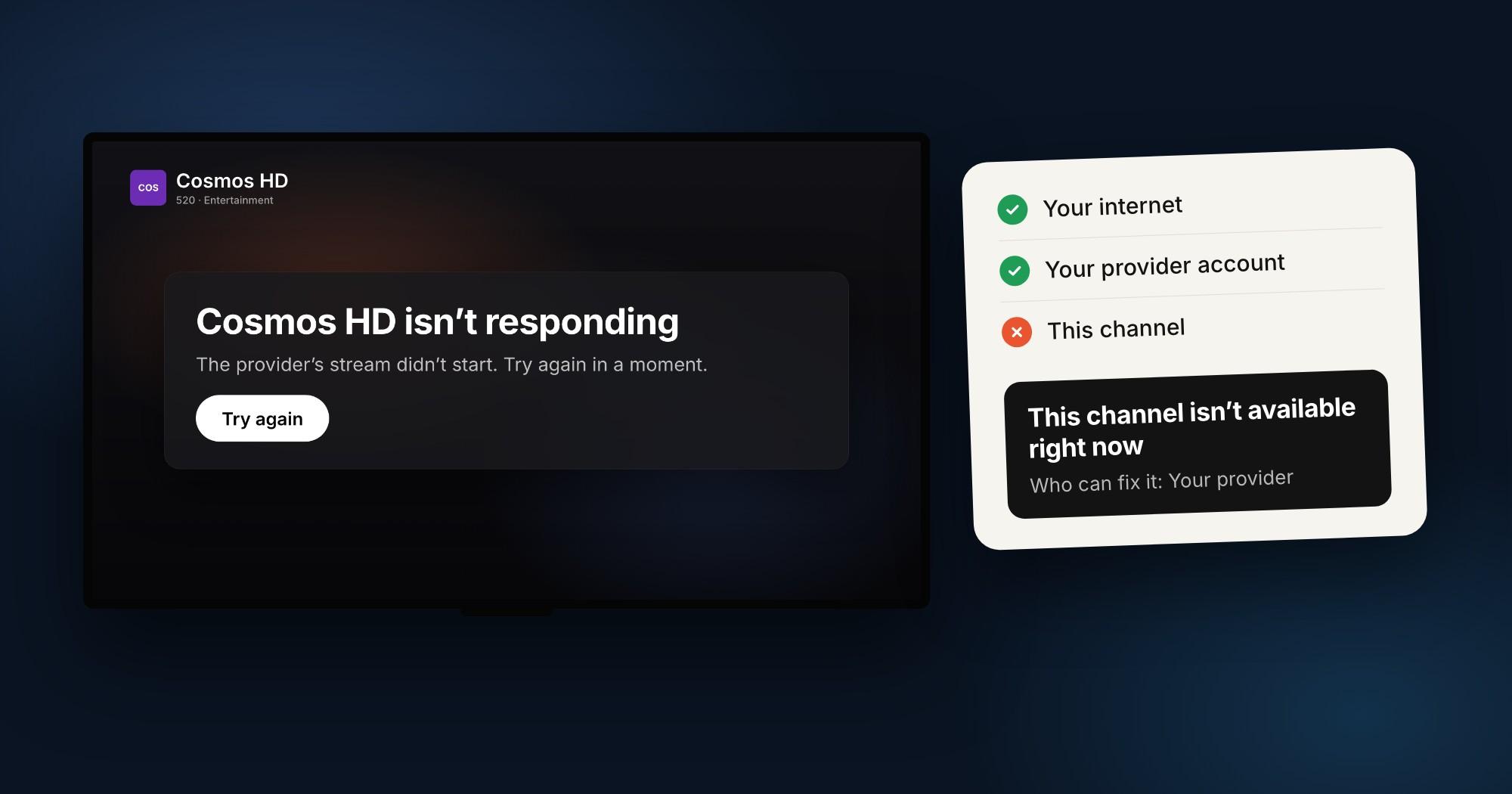
Post · 6 min read
IPTV channel won't play? What each message means
What each IPTV playback message means in Bigplay, from isn't responding to the stream ended early, and the checks and settings that get a channel playing.
24 November 2026
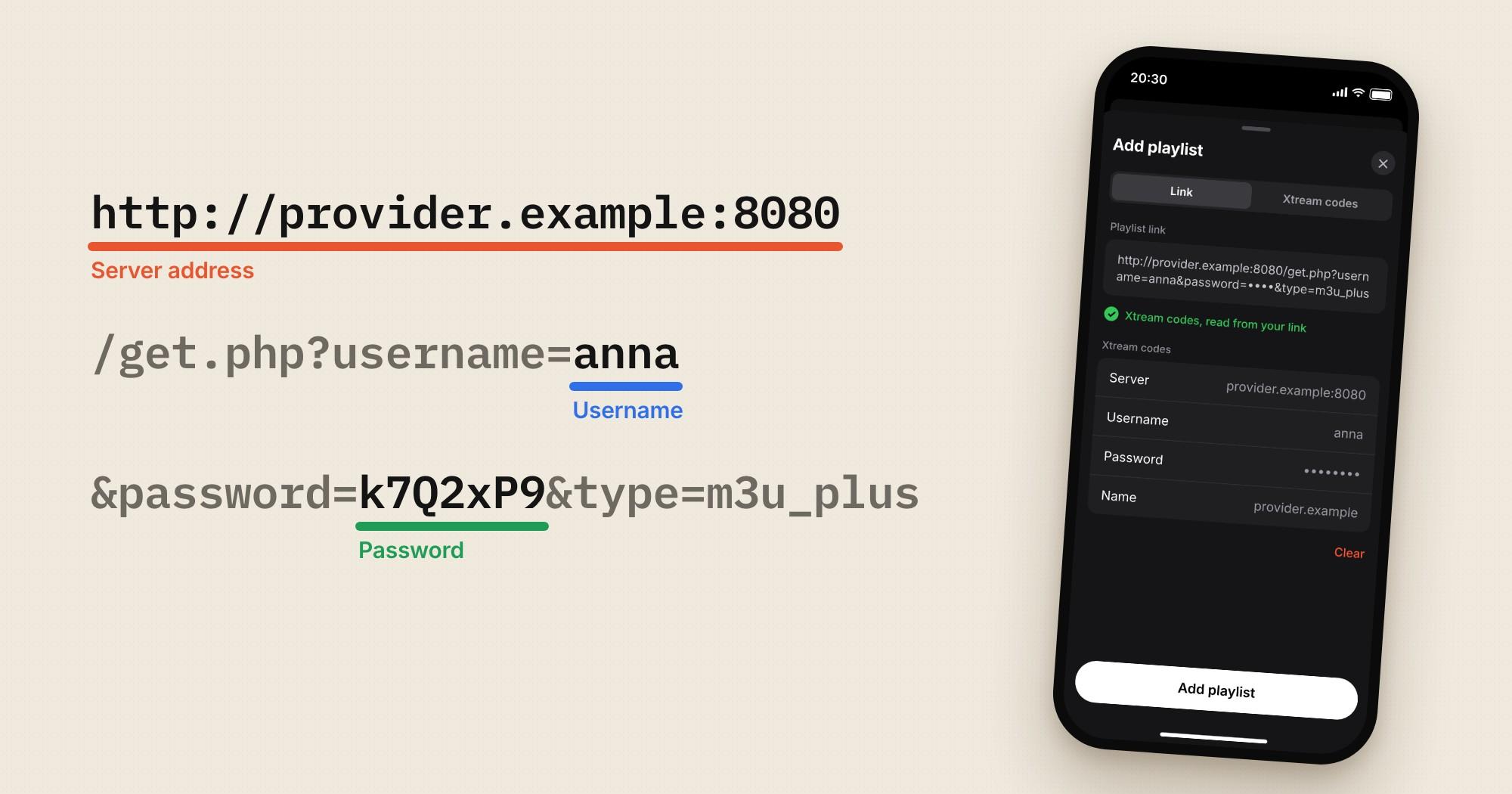
Post · 5 min read
Find your Xtream Codes server, username and password
Your IPTV provider sent a server, username and password, or one long link. Where to find each part, how to read them from an M3U link, and what to type.
24 November 2026
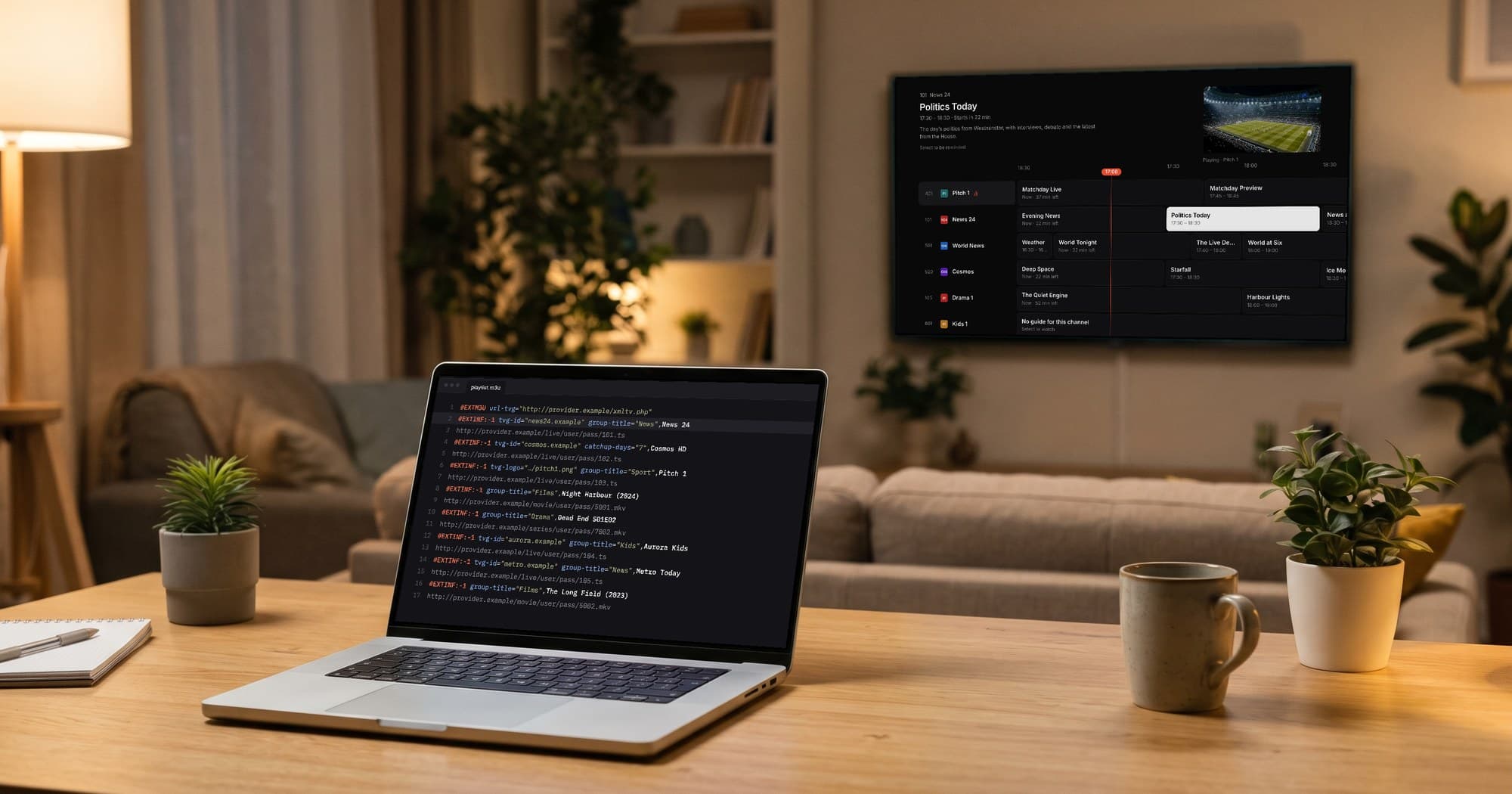
Post · 5 min read
M3U file format: #EXTINF and tvg tags explained
Open an M3U playlist and it's mostly #EXTINF lines. Here's what each tag means, from tvg-id and tvg-logo to group-title, and how Bigplay uses them.
5 November 2026
Go on. Press play.