Post · 2 min read · 31 October 2026 · Irfan
How to add an IPTV playlist on Android and Android TV
Add an M3U URL or Xtream login on Android phones, tablets and Android TV, including how to scan a code with your phone instead of typing on the TV.
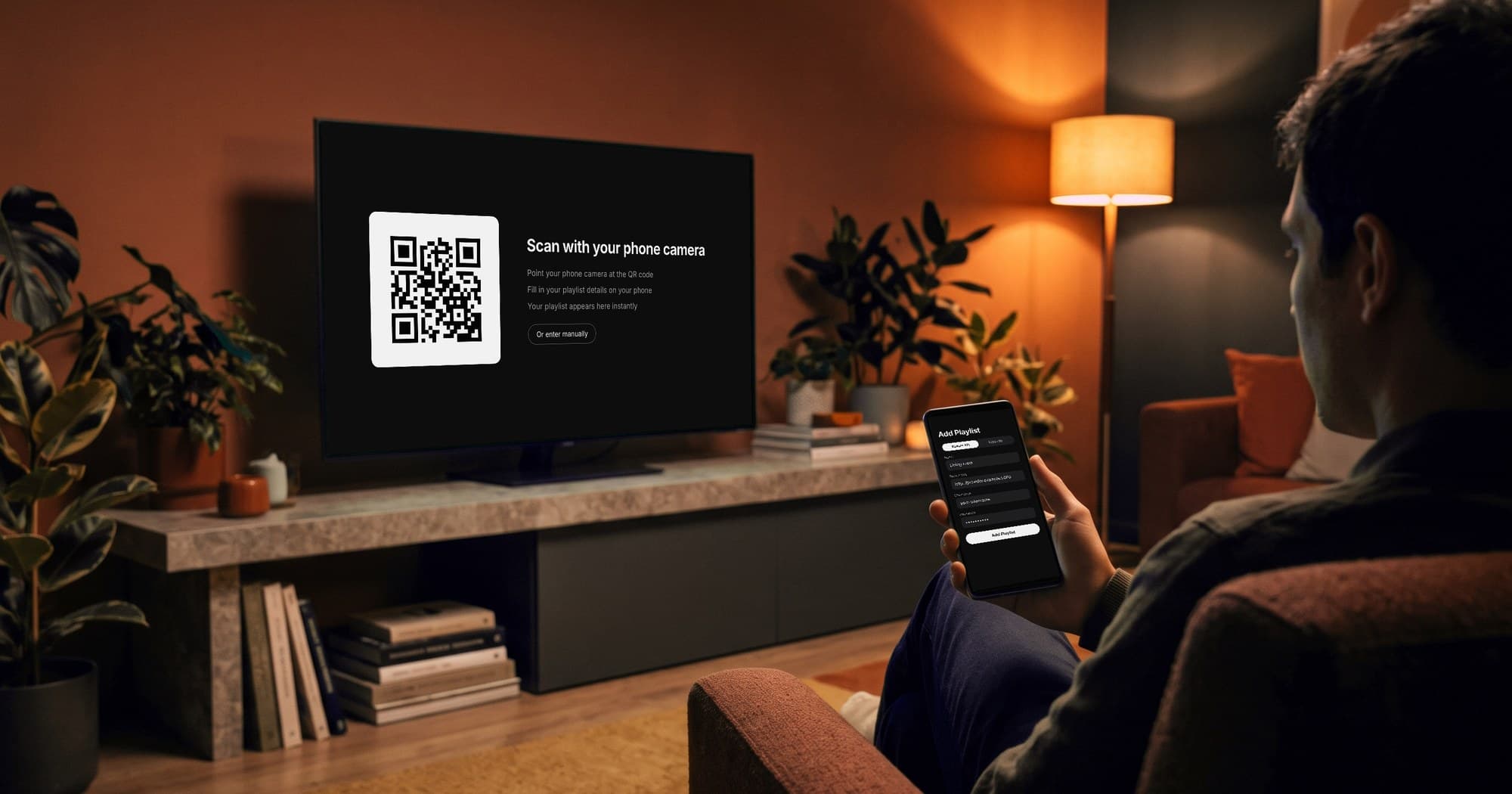
On Android TV, the slow part of setting up IPTV is typing a server address with a D-pad. Bigplay, the IPTV player for your own playlist, lets you fill it in on your phone instead. On a phone or tablet, it's a short form.
Bigplay is a player. It doesn't include any channels or content. You need a playlist from your IPTV provider first.
What you need
A phone, tablet or Android TV with Android 8 or later, and Bigplay from Google Play.
From your provider, an Xtream Codes server, username and password, or an M3U link.
Bigplay calls the login Xtream API on Android. It's the same thing as Xtream Codes.
On an Android phone or tablet
Open Bigplay and move through the welcome screens. Tap Skip or Next, then Get Started.
On the Home tab you'll see No Playlists Yet. Tap Add Playlist.
Choose Xtream API or M3U URL.
Give it a Name. On Android this is required, so anything you'll recognise is fine.
Fill in the rest (see below), then tap Add Playlist.
For Xtream API
Enter Server URL, Username and Password exactly as your provider sent them.
For M3U URL
Paste your Playlist URL. Auto-Refresh sets how often Bigplay fetches the list again: Daily, Weekly or Manual. EPG URL (Optional) is for a separate guide link, if your provider gave you one.
If a link is on your clipboard, Bigplay offers it under Playlist link detected. Tap Use to save pasting it.
On Android TV
Open Bigplay, move through the welcome screens and choose Add Playlist.
A code appears under Scan with your phone camera. Scan it with any phone on the same Wi-Fi. You don't need Bigplay on the phone.
On your phone, choose Xtream API or M3U URL, fill in the fields and tap Add Playlist.
You'll see Playlist Sent! on the phone, and the playlist appears on your TV.
Prefer the remote? Choose Or enter manually and use the same form as the phone. Setting up by phone skips the Auto-Refresh and EPG fields, so use the manual form if you need a separate guide link.
If you see No Network, connect your TV to Wi-Fi, or choose Enter Manually. If the phone says "Connection failed. Are you on the same WiFi?", check both devices are on one network.
Adding another playlist
On a phone or tablet, open the You tab, tap Switch playlist, then press +. On Android TV, choose Switch Playlist in the side menu. Several playlists are free on Android.
If it doesn't work
Bigplay shows the reason in a short message. What each playlist error means covers the common ones, and the help page has more. Once you're watching, you can watch four channels at once.
More from the blog
Post · 6 min read
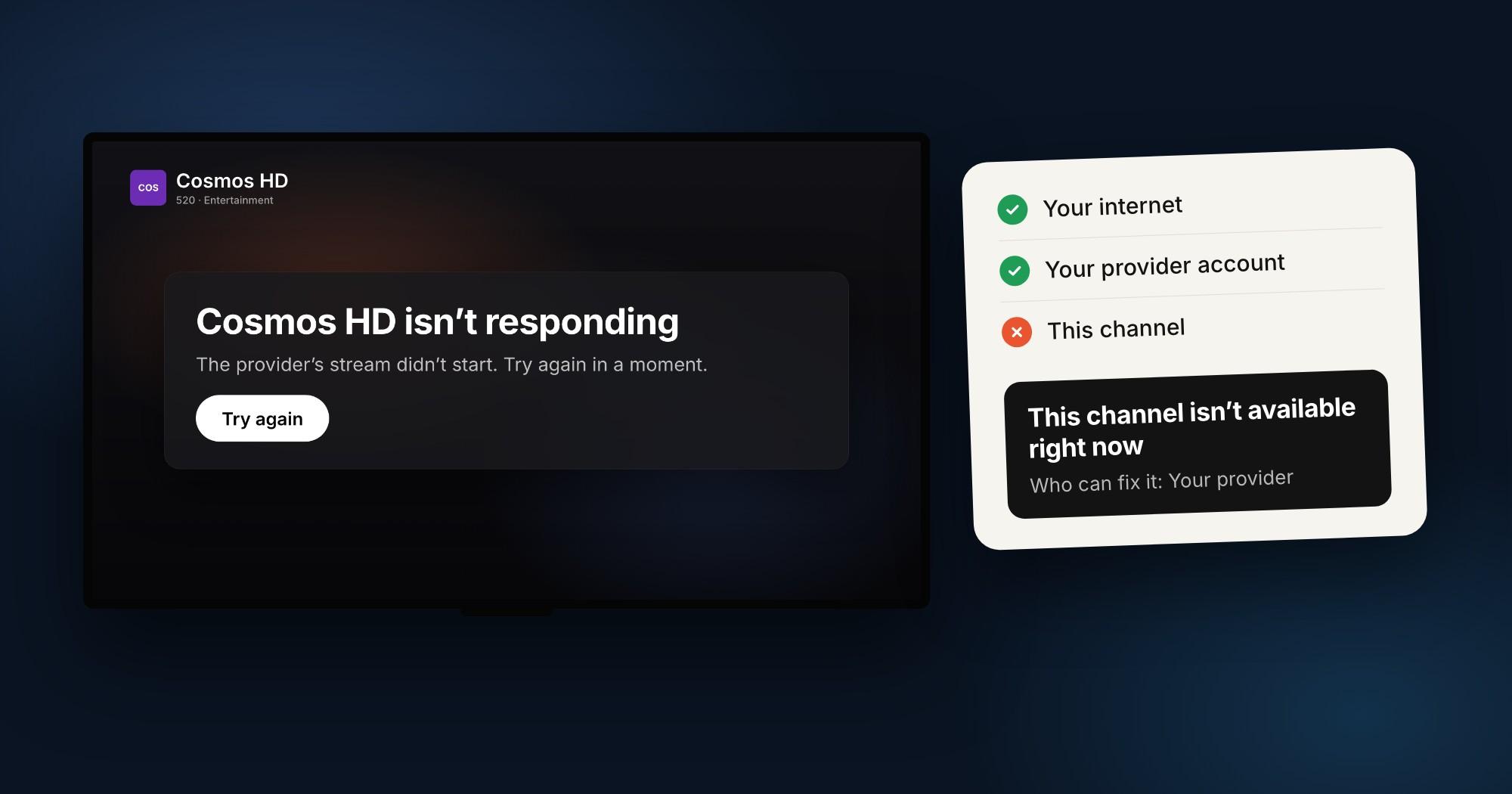
IPTV channel won't play? What each message means
What each IPTV playback message means in Bigplay, from isn't responding to the stream ended early, and the checks and settings that get a channel playing.
24 November 2026
Post · 5 min read
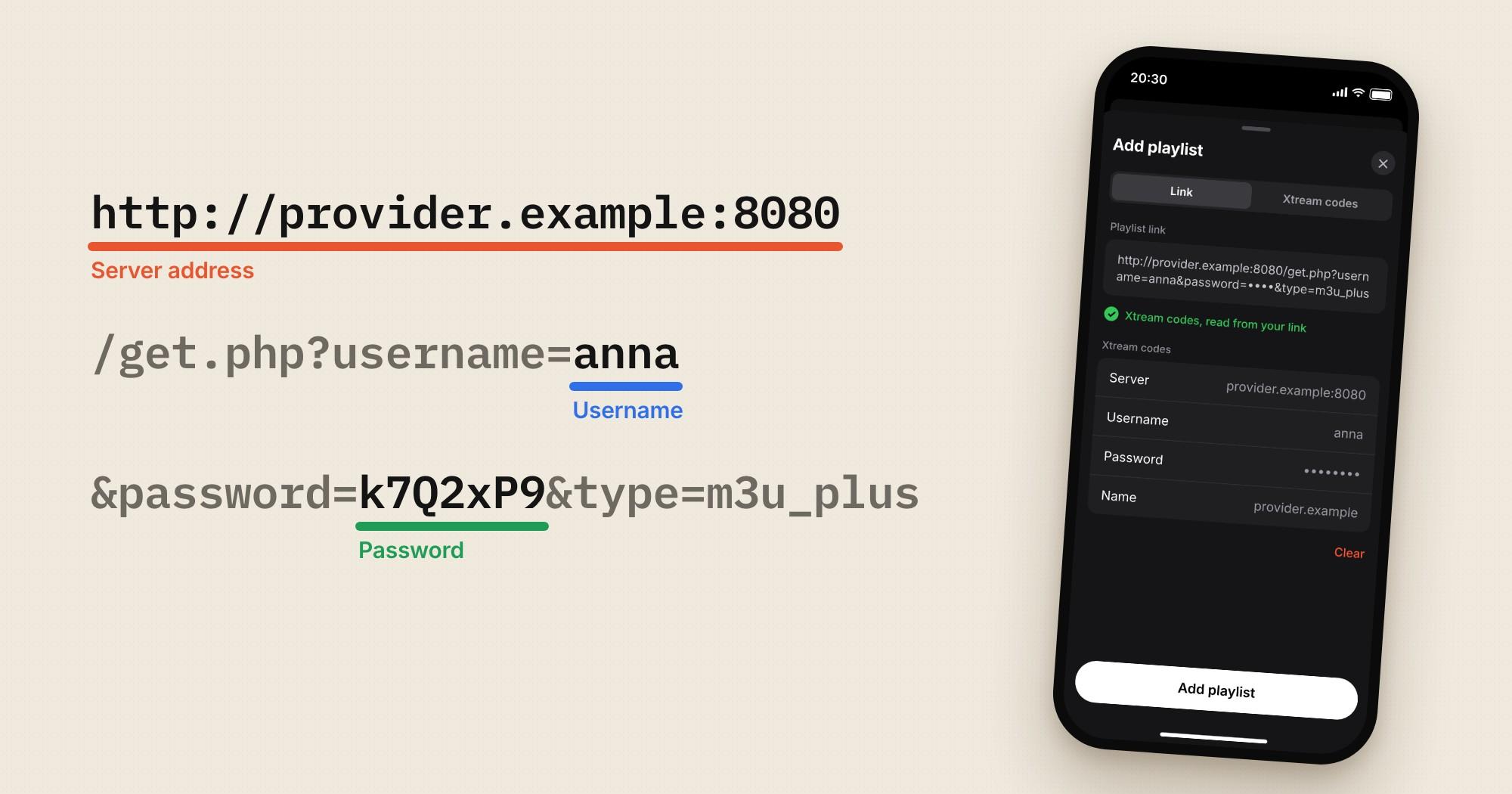
Find your Xtream Codes server, username and password
Your IPTV provider sent a server, username and password, or one long link. Where to find each part, how to read them from an M3U link, and what to type.
24 November 2026
Post · 5 min read
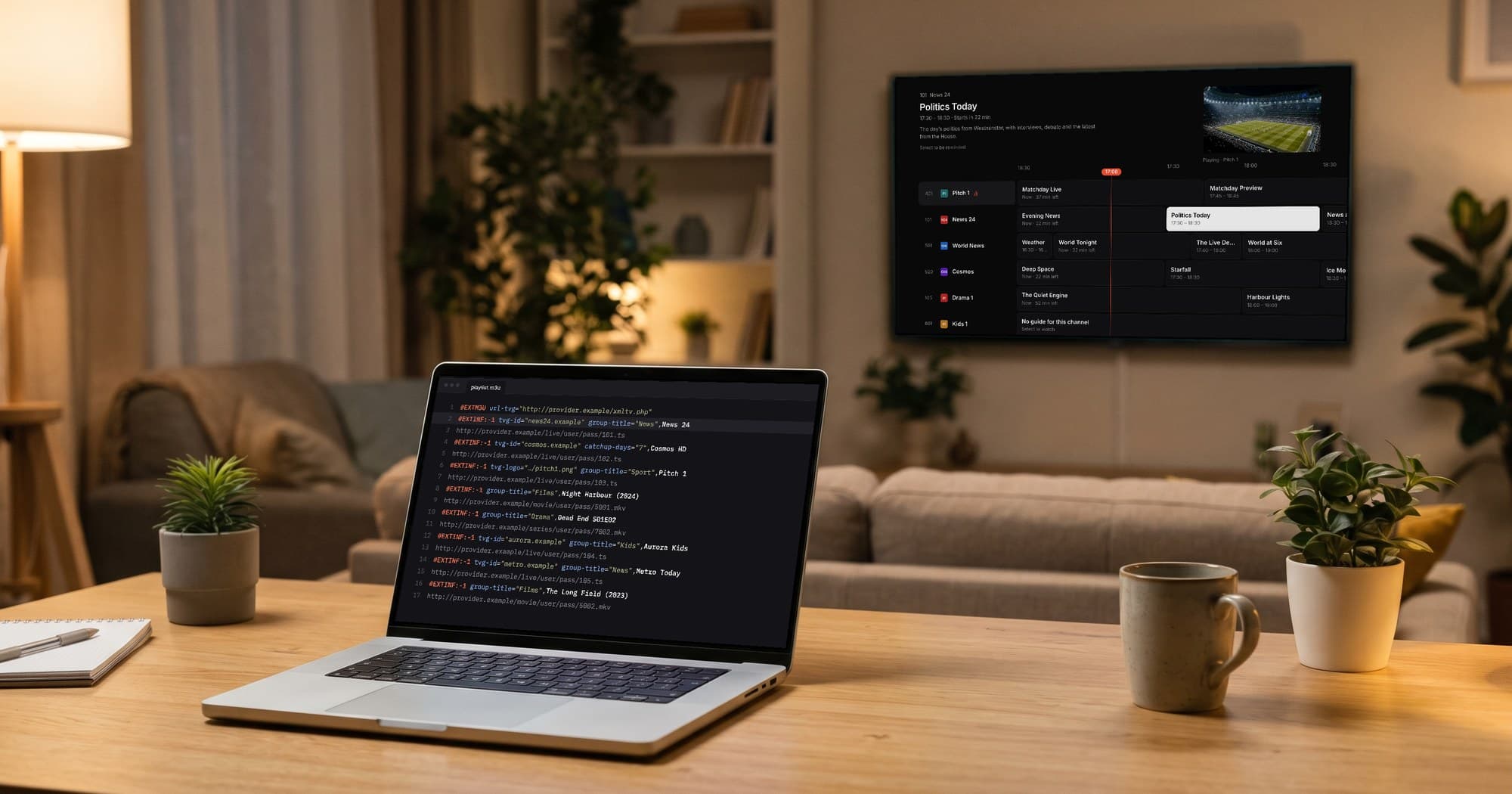
M3U file format: #EXTINF and tvg tags explained
Open an M3U playlist and it's mostly #EXTINF lines. Here's what each tag means, from tvg-id and tvg-logo to group-title, and how Bigplay uses them.
5 November 2026
Go on. Press play.